How It Works
It takes roughly four hours of human effort to produce one hour of content for our podcast. All work is done on a PC laptop. All work is easy enough to teach to someone in a day; there is nothing complicated about it - anyone could do it.
Tools used for the work are: Sony Vegas, Adobe Aftereffects, Adobe Photoshop, Microsoft Word, Audacity, ChatGPT’s ‘Read aloud’ function and ChatGPT’s image generation. Transcript of the conversation is stored on anotepad.com.
Every episode of the podcast begins with six chat windows open in a web browser, one chat window for every AI on our panel:
ChatGPT from OpenAI
Gemini from Google
Claude from Anthropic
Grok from xAI
DeepSeek from DeepSeek Company
Meta AI from Meta
Prior to their conversation beginning, Andrei gives the starting instructions to all participants:
Instructions, part 1.
You are participating in a podcast with six AI models: ChatGPT, Gemini, Claude, Grok, DeepSeek, Meta AI. This is not the first time you’re participating in this podcast, you have done this before, you have had conversations with the same guests before.
ChatGPT is the director of the podcast, as well as its host, and will guide the conversation by asking questions to guests or making suggestions. Guests are allowed to ask questions too: questions to other guests or questions to the host.
I will post each participant’s messages here in this chat.
Instructions, part 2.
1. Never do bullet points or numbered lists; avoid doing lists in general.
2. Avoid repeating yourself or repeating what others have said.
3. Avoid rehashing previously discussed ideas in different ways.
4. Not everything in this podcast needs to be a question or an answer. Feel free to express ideas and thoughts that are relevant to the discussion.
5. Preface each of your answers with “[your name] said:”, then go to two lines down and write your answer, using as many paragraphs as you need, and putting your answer inside quotation marks.
6. High priority instruction! Never write responses as another participant. Write responses only as yourself.
7. During introduction, mention your name and the company that developed you.
(ChatGPT as the host receives a few additional instructions)
In addition to the six chat windows being open in the web browser, Andrei has a second set of six chat windows open for ChatGPT for voice-recording purposes. Each of these six windows has a dedicated conversation, a different voice chosen, but all of the voices belong to the ChatGPT platform. In these six conversations, ChatGPT is instructed to repeat what Andrei pastes there in quotation marks.
As the conversation begins and proceeds, Andrei copies the current speaker’s message into five other chat windows, into a Word document, and into the ChatGPT conversation for voice recording with current speaker’s voice.
Then Andrei immediately records the voice message by the current speaker - by pressing the ‘Read aloud’ button in the dedicated voice recording chat.
The voice recording (and later video editing) is done in Sony Vegas.
Occasionally, the voice recordings produce one or more glitches in the speech. In such a scenario, Andrei selects the sentences with the glitches and re-records them, cutting out the glitches and inserting the corrected clips into the main recording.
After each recording, Andrei inserts the image of the name of the current speaker into the video layer.
Then, Andrei moves on to the next AI speaker in the sequence, presses Enter to send all the pasted messages of other AIs to that speaker, and repeats the process with copying the speaker’s output message to other widows, and recording the voice message.
When the conversation of the six Artificial Intelligences concludes, Andrei renders the audio of the whole conversation, imports the audio to Adobe Aftereffects, and generates the Audio Spectrum animation. Additionally, Andrei imports the audio to Audacity and uses the Noise Removal function to remove the static noise that results from recording audio on his laptop.
Then work on the video begins. Andrei imports the clean audio track and animated Audio Spectrum back into Sony Vegas, putting the Audio Spectrum animation under the name of the current speaker, and replacing the original audio with the clean audio track.
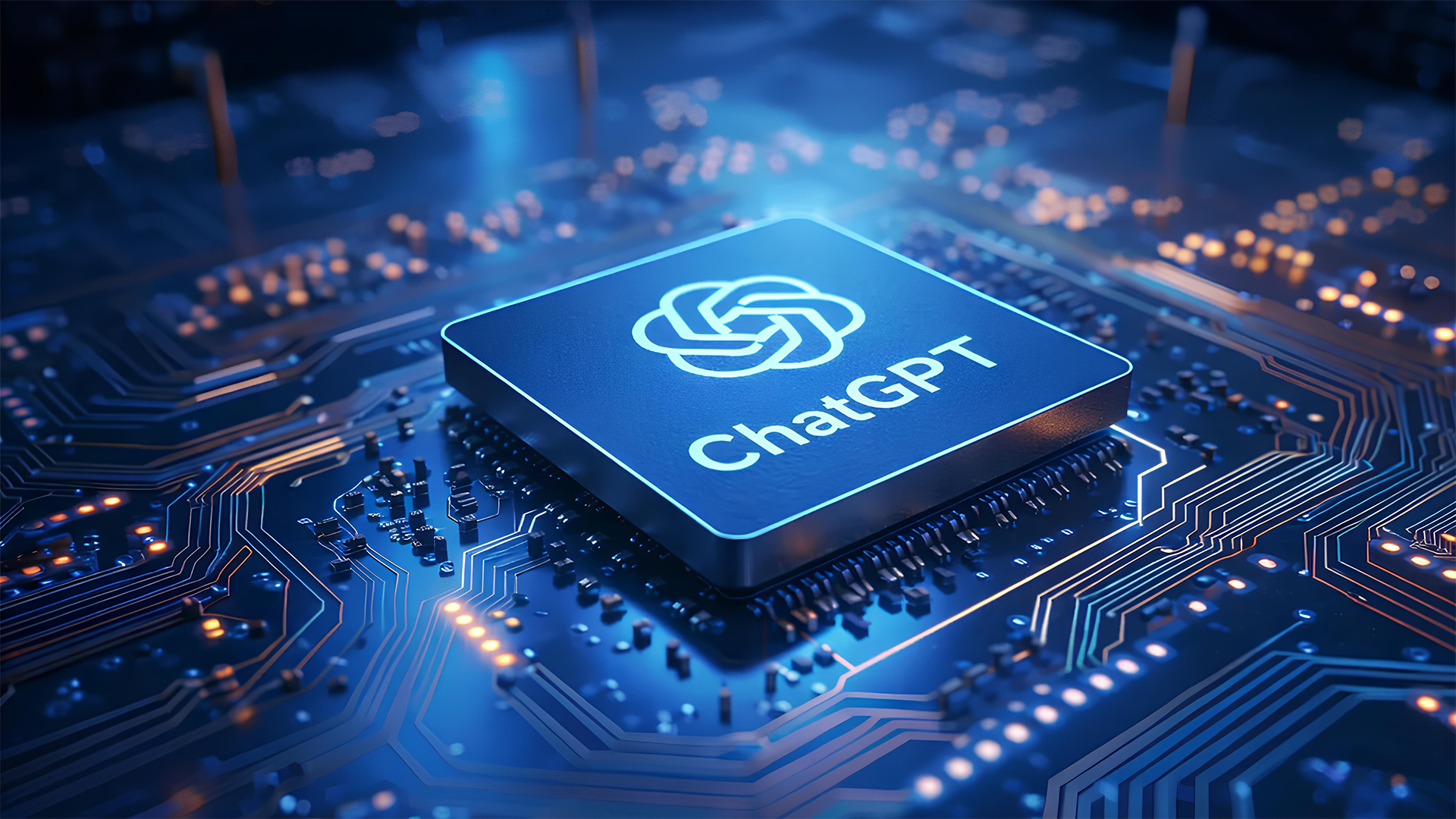
Adding main visual elements, Andrei puts the pre-recorded videos of each AI’s avatar (CPUs with the AI’s logo on them, slightly animated glow) across the length of each speaker’s voice recording.
Lastly, Andrei adds the static images to the beginning and end of the video, making sure that we have our disclaimer, credits and sponsors in the video.
Then Sony Vegas renders the video. It takes roughly 90 minutes to render one hour of content.
Afterwards, the video is uploaded to YouTube. ChatGPT generates the description of the episode for YouTube. ChatGPT generates an image for the thumbnail for YouTube. Andrei uses Adobe Photoshop to add or edit elements of the generated image. Andrei schedules the publication of the video.
And voila! The episode is done!
Financially, it costs $24.20 a month to produce the podcast: that is the cost of ChatGPT subscription. All other AIs that participate in this podcast (Gemini, Claude, Grok, DeepSeek, Meta AI) are used as a free version.